


Staying active sounds simple until a busy day gets in the way. Work, college, family responsibilities, travel, and plain old tiredness can make it easy to skip a workout or spend most of the day sitting.
That is where fitness tracking apps can be surprisingly useful.
You do not necessarily need to train for a marathon or spend hours in the gym to benefit from one. A good fitness app can help you notice how much you move during the day, keep an eye on workouts, set goals, and build healthier routines over time.
The best part is that fitness tracking has become much more accessible. A smartphone can track several basic activities, while smartwatches and fitness bands can provide additional information such as heart rate, workouts, sleep, and activity patterns, depending on the device.
Still, more data does not automatically mean better fitness. The useful app is the one that helps you understand your habits without making exercise feel like another complicated task.
What Are Fitness Tracking Apps?
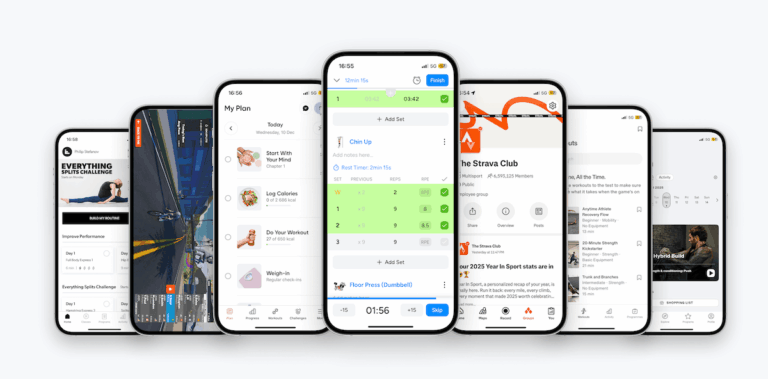
Fitness tracking apps are digital tools designed to record and organize information about physical activity and exercise.
Depending on the app and device being used, you may be able to track steps, walking distance, workouts, running, cycling, calories, heart rate, sleep, or other activity measurements.
Some apps focus on a specific activity, while others combine several features into one dashboard.
| Tracking Feature | What It Can Help You Understand |
|---|---|
| Steps | How much you move during the day |
| Distance | Walking, running, or cycling distance |
| Workout tracking | Exercise duration and activity type |
| Heart rate | Heart-rate patterns during supported activities |
| Sleep tracking | Sleep duration and patterns |
| Calories | Estimated energy expenditure |
| Goals | Progress toward personal targets |
| Activity history | Changes in activity over time |
It is worth remembering that many fitness measurements are estimates. They can be useful for understanding patterns, but they should not always be treated as exact numbers.
Why Use a Fitness Tracking App?
One of the biggest benefits is awareness.
You may think you had a reasonably active day until an app shows that you spent most of it sitting. On another day, you might realize that a short evening walk helped you reach your activity target.
That information can make your routine more visible.
Fitness apps can also provide motivation. Watching your activity history build up over several days can encourage you to keep going, especially when your goal is consistency rather than dramatic results.
For someone starting out, simply tracking regular movement can be more useful than immediately following a complicated workout plan.
1. Step Tracking for Everyday Movement
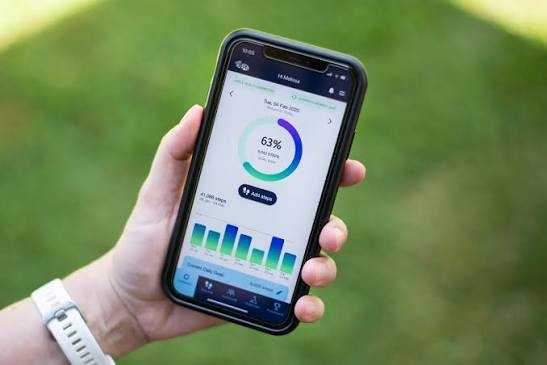
Step tracking is probably one of the simplest fitness features.
Your phone or wearable can count steps throughout the day, giving you a rough idea of how active you have been.
The number itself isn’t everything. One person may naturally walk more because of their job, while another may spend most of the day at a desk.
Instead of becoming obsessed with hitting a specific number every day, use step tracking to notice your own patterns.
For example, if you normally take very few steps on workdays, you could add a short walk during lunch or take the stairs when practical.
Small changes can be easier to maintain than completely changing your schedule overnight.
2. Workout Tracking for More Structured Exercise
If you already exercise regularly, workout tracking can provide more detail.
Depending on the app, you might be able to record activities such as:
- Walking
- Running
- Cycling
- Swimming
- Strength training
- Yoga
- Hiking
- Indoor workouts
- Sports activities
Recording workouts can help you look back at your routine instead of relying on memory.
For example, you might discover that you consistently exercise three times a week but tend to skip workouts on certain days. That information can help you adjust your schedule.
3. Running and Walking Apps
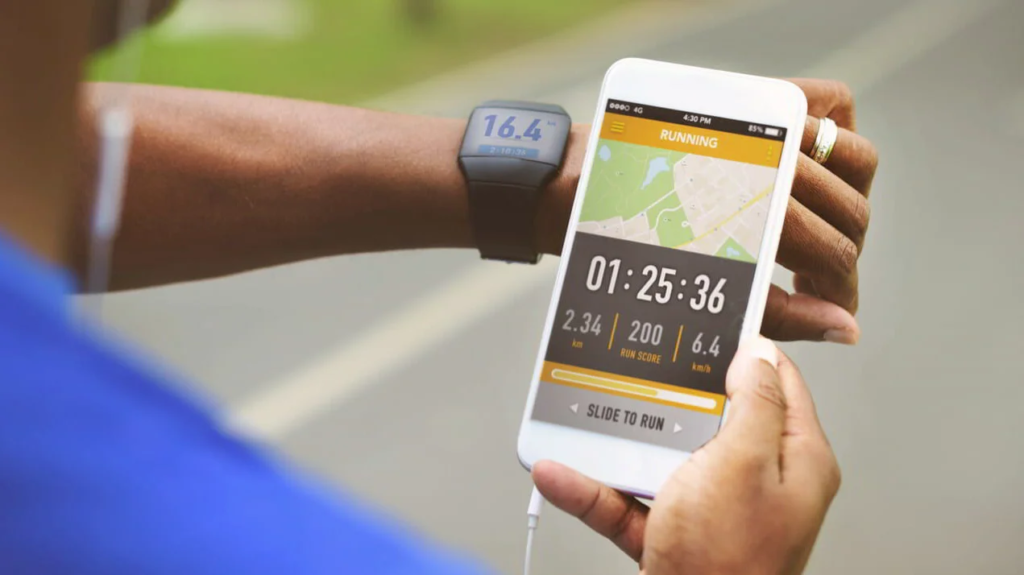
Walking and running are popular because they require relatively little equipment.
Dedicated tracking apps can record information such as distance, pace, duration, routes, and activity history when supported by the device.
For beginners, the most useful feature may simply be seeing improvement over time.
Your first walk might be short. After a few weeks, you may naturally walk for longer or feel more comfortable maintaining a steady pace.
Rather than comparing your statistics with someone else’s, comparing your current activity with your own previous activity can provide a more realistic picture of progress.
4. Fitness Apps for Gym Workouts
Gym users may want more than step counting.
Workout-focused apps can help organize exercises, sets, repetitions, rest periods, and training routines. Some also provide exercise demonstrations or allow users to create customized plans.
This can be useful when you arrive at the gym without a clear idea of what to do.
Instead of spending ten minutes trying to remember your previous workout, you can check your recorded routine and continue from there.
However, an app cannot replace proper exercise technique. If you are unfamiliar with an exercise, learning the correct form from a qualified professional can be more important than simply tracking the number of repetitions.
5. Wearable Devices and Fitness Apps
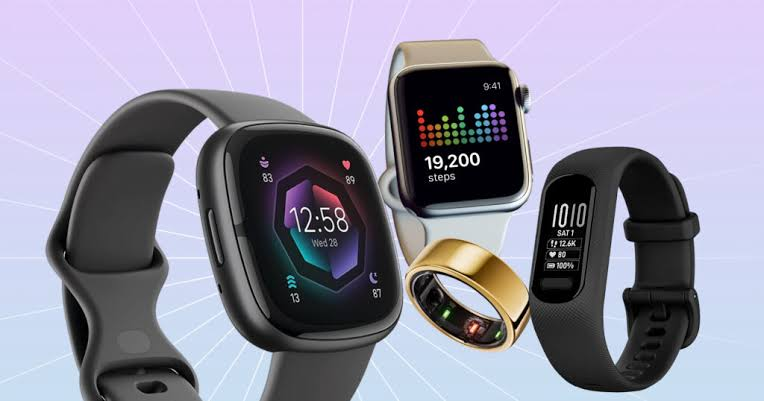
Smartwatches and fitness bands have made activity tracking more convenient because they can collect information throughout the day without requiring you to carry your phone everywhere.
Depending on the device, a wearable may track steps, heart rate, workouts, sleep, and other metrics.
The advantage is convenience. You can start a workout, check activity information, and review your progress directly from your wrist.
But wearables can also create a temptation to constantly check numbers.
If checking your statistics makes you anxious or turns every workout into a competition with yourself, it may be worth taking a step back.
Technology should support your routine, not become the source of unnecessary pressure.
6. Sleep and Recovery Tracking
Fitness is not only about exercise.
Sleep and recovery are also important parts of maintaining a sustainable routine. Some fitness apps and wearable devices can provide estimates of sleep duration and other sleep-related patterns.
This information can help you notice habits.
For example, you might discover that your sleep schedule changes significantly on weekends or that you consistently sleep less on certain days.
These insights can encourage better routines, but wearable sleep measurements are estimates and shouldn’t be treated as medical diagnoses.
If you have persistent concerns about your sleep or health, professional medical advice is more appropriate than relying solely on an app.
7. Goal Setting Makes Tracking More Useful
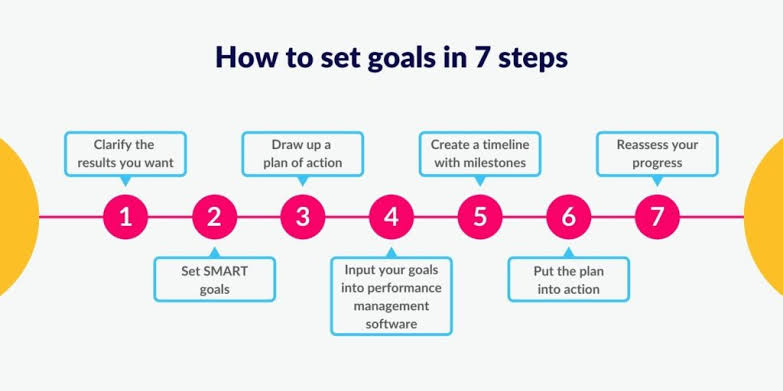
Tracking something without knowing why you’re tracking it can become boring.
A clear goal gives the data a purpose.
Your goal could be as simple as:
- Walking regularly
- Exercising several times a week
- Increasing daily movement
- Completing a certain number of workouts
- Building a consistent routine
- Preparing for a recreational event
Try to make goals realistic.
If you have not exercised for months, setting an extremely demanding target may feel exciting for a few days but difficult to maintain.
A smaller goal that fits your actual schedule can be much more useful.
| Goal Type | Example |
|---|---|
| Movement | Take regular walks |
| Consistency | Exercise several days each week |
| Endurance | Gradually increase walking or running time |
| Strength | Follow a structured resistance routine |
| Habit | Keep a regular workout schedule |
| Recovery | Maintain a consistent sleep routine |
8. Fitness Apps Can Help With Motivation
Motivation is often strongest when you first start something.
A week later, real life happens.
That is why fitness apps often include streaks, reminders, progress charts, badges, challenges, and other motivational features.
These can be fun, but don’t let them become the entire reason you exercise.
Missing one day doesn’t erase your progress. A healthy routine should have room for busy days, rest, travel, illness, and unexpected events.
Consistency over months matters more than having a perfect seven-day streak.
9. Look for Simple and Easy-to-Understand Apps

A fitness app does not need dozens of features to be useful.
If you only want to track walking and basic workouts, an app with a clean dashboard may be better than a platform filled with advanced statistics you never use.
Before choosing an app, consider what you actually want to track.
| Your Need | Useful Features |
|---|---|
| Basic activity | Steps and distance |
| Walking | Route and distance tracking |
| Running | Pace, distance, and workout history |
| Gym workouts | Exercises, sets, and repetitions |
| General fitness | Activity dashboard and goals |
| Sleep | Sleep duration and trends |
| Motivation | Reminders, challenges, and progress |
| Wearable users | Device synchronization |
The simpler the app feels, the more likely you are to keep using it.
10. Pay Attention to Privacy
Fitness information can be personal.
Some apps may collect information about your location, activity, health-related measurements, or routines. Before connecting an app to a wearable or granting permissions, take a moment to review what information it requests.
Ask yourself:
- Does the app really need this permission?
- What information is being collected?
- Can I control sharing settings?
- Can I delete my data?
- Does the service explain how information is used?
You don’t have to avoid fitness technology altogether. Being aware of what you are sharing is simply part of using digital health and fitness tools responsibly.
How to Choose a Fitness Tracking App in 2026

Start with your routine rather than the app store.
If you mainly walk, look for reliable activity and distance tracking. If you train in a gym, prioritize workout logging. If you enjoy running, look for useful pace and route features.
Also consider whether the app works with your current phone or wearable.
A few minutes of research before downloading can save you from installing five different apps and deleting all of them a week later.
Look at the interface too. Can you quickly find today’s activity? Is your workout history easy to understand? Are the important features available without unnecessary steps?
These small details matter when you use an app regularly.
Common Mistakes When Using Fitness Trackers
One of the biggest mistakes is treating every number as perfectly accurate.
Step counts, calorie estimates, sleep measurements, and other metrics can vary between devices and situations.
Another mistake is focusing only on numbers.
Fitness is also about how you feel, your energy levels, strength, mobility, endurance, and ability to maintain a routine.
Finally, don’t let the app decide everything for you.
If you are tired or need a rest day, taking a break can be reasonable even if an app is telling you to complete another activity goal.
FAQs
What is a fitness tracking app?
A fitness tracking app records and organizes physical activity information such as steps, workouts, distance, and other supported measurements.
Can fitness apps track workouts without a smartwatch?
Yes. Many fitness apps can use smartphone sensors to track activities such as walking and running. A wearable can provide additional tracking features depending on the device.
Are fitness tracker calories accurate?
Calorie figures are generally estimates and can vary between devices and users. They are better used for observing general patterns than treating them as exact measurements.
How can I get more from a fitness tracking app?
Choose an app that matches your goals, track activities consistently, review your progress over time, and avoid becoming overly focused on individual numbers.