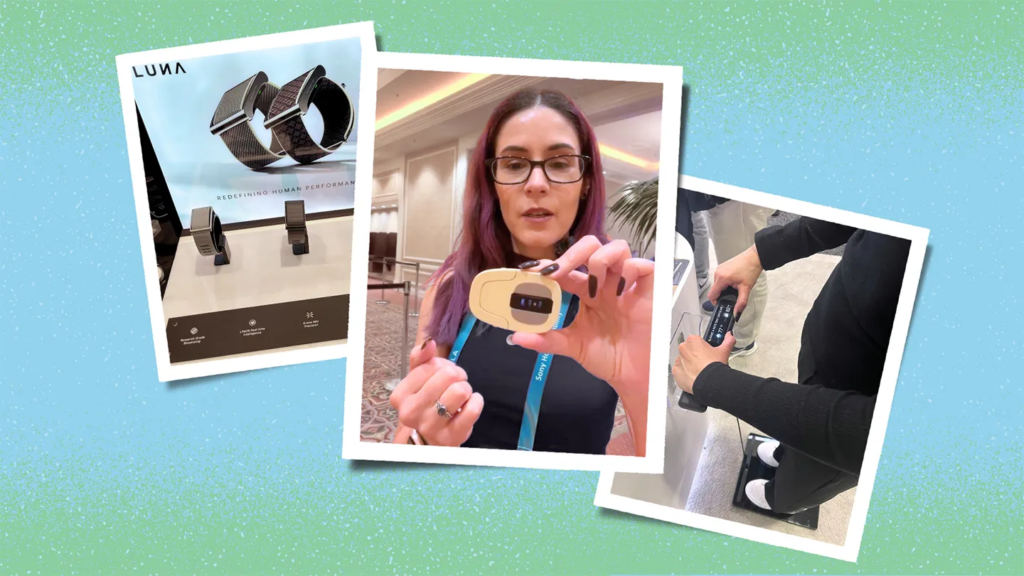

Let’s be completely real for a second: trying to look after your body in 2026 can feel like taking on a chaotic, unpaid second job.
Every time you open your phone, someone is telling you to track another metric. Hit 10,000 steps! Drink three liters of water! Log every single almond! Track your deep sleep phases! Take six different supplements! Dodge conflicting “health hacks” on social media!
It doesn’t take long before you throw your hands up, close your phone, and say, “Honestly? I’m done.”
This overwhelming cycle is where health tools and wellness apps are supposed to step in—not to run your life, judge your choices, or turn your daily routine into a stressful science experiment, but simply to take the edge off.
Technology shouldn’t force you to stare at confusing graphs or feel guilty because you spent a rainy Sunday on the couch. The best health tools work quietly in the background like a low-maintenance buddy: keeping your medical files organized, giving you a friendly nudge to stretch, and helping you spot habits that make you feel genuinely better.
You don’t need twenty different health apps cluttering your home screen. Using too many just causes digital burnout. The secret isn’t tracking every breath you take; it’s picking two or three simple tools that solve an actual, daily headache.
A Quick Reality Check: Health apps and smartwatches are great sidekicks for building daily routines, but they are never a replacement for real medical care. If you’re dealing with concerning symptoms or feeling unwell, talk to an actual doctor—not an app algorithm.
What Are Health Tools, Really?
In plain English, health tools are digital sidekicks that help you track, organize, or understand what’s going on with your body. That includes simple phone apps, smartwatches, smart rings, medical patient portals, and telehealth platforms.
Instead of trying to keep track of everything in your head or saving paper medical bills in a messy drawer, these tools do the boring heavy lifting for you. Here is a realistic look at how the main categories stack up in real life:
| Health Tool Category | What It Actually Helps You Do | Effort Level Needed | The Real Vibe (Who It’s Really For) |
| Fitness & Step Trackers | Logs daily steps, movement, active minutes, and workouts. | Low (Runs on your watch or phone without asking) | Desk workers who need a gentle reminder to stand up and move. |
| Sleep Monitors | Tracks bedtimes, wake times, and night-time restlessness. | Low (Just wear your band or leave your phone on the stand) | Night owls trying to stop spiraling into midnight phone scrolling. |
| Nutrition & Water Logs | Records daily meals, water intake, and eating patterns. | Medium to High (Requires manual typing/scanning) | Anyone trying to spot simple habits, like realizing they drink zero water before 3 PM. |
| Mindfulness Apps | Guides you through quick meditations and wind-down audio. | Low (5 to 10 minutes a day) | Busy folks who need a quick mental breather during a hectic workday. |
| Medication Reminders | Sends alerts to take daily pills or reorder prescriptions. | Low (Set up once, then just tap the pop-up) | Anyone managing daily meds without guessing if they already took them. |
| Digital Health Portals | Stores blood test PDFs, vaccine dates, and doctor notes. | Low (Upload once, access whenever needed) | People tired of digging through paper folders before clinic visits. |
| Telehealth Platforms | Connects you with real healthcare pros via video or chat. | Low (Skip the waiting room entirely) | Quick follow-ups or simple prescription renewals from your couch. |
1. Fitness Trackers: Focus on Trends, Not Guilt
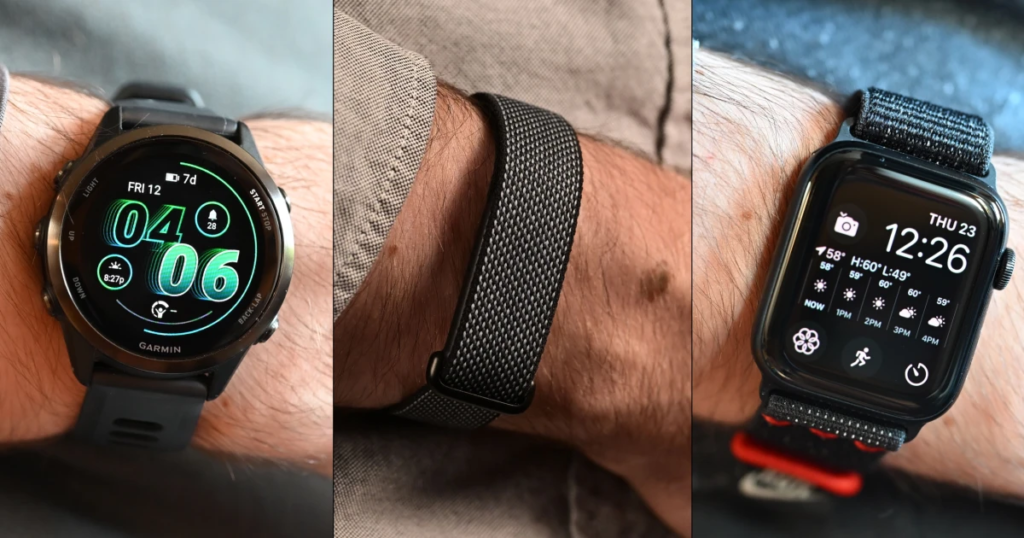
Fitness apps and wristbands are usually the first things people try, but they are also the easiest to give up on when life gets chaotic.
The most important rule with step counters and workout logs is simple: don’t let the numbers ruin your day.
If you went for a great 30-minute evening walk with a friend, caught up on life, and cleared your mind, that movement was fantastic for your health—even if your smartwatch battery died and didn’t record a single step. The walk still happened!
Use fitness trackers as a general compass, not an uncompromising judge. Seeing that you move less on rainy Tuesdays gives you helpful context; beating yourself up because you missed an arbitrary step goal is just unnecessary stress.
2. Sleep Tracking: Spotting Your Nighttime Loops
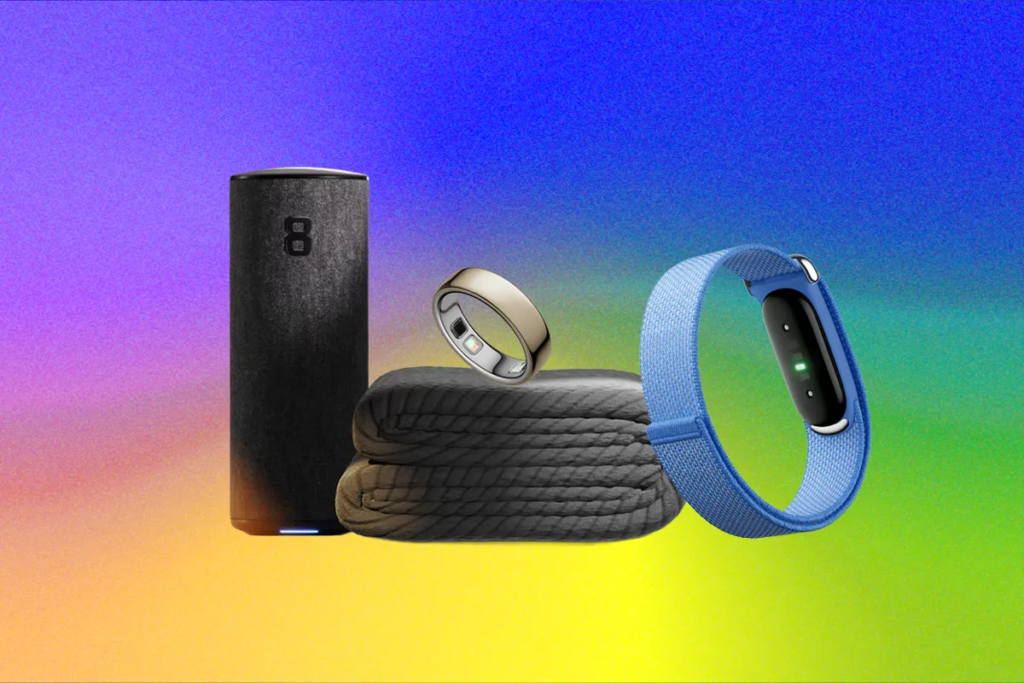
Sleep is one of those things we rarely appreciate until we spend three nights in a row waking up exhausted, reaching for a third cup of coffee before noon.
Sleep trackers pull back the curtain on what actually happens after you turn off the lights. They are brilliant for spotting behavioral loops you might not consciously notice during the day.
For instance, you might realize that every time you watch high-energy TV shows past 11:00 PM or eat a heavy late-night snack, your sleep quality plummets and your morning feels like wading through wet cement.
An app can’t physically force you to turn off the TV and go to bed. However, seeing that clear visual proof makes it a whole lot easier to put down the remote and call it a night.
3. Nutrition Apps: Keep It Light & Simple
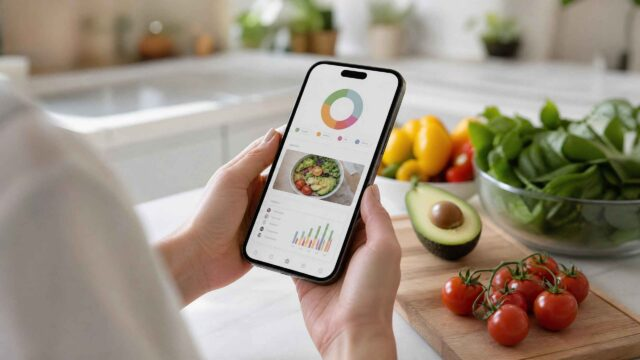
Logging food can quickly turn into an exhausting chore if you try to weigh every single leaf of spinach or guess the exact calories in a homemade stew. Unless you are a competitive athlete or managing a specific condition with a dietitian, don’t overcomplicate it.
Instead of tracking every calorie down to the decimal point, use food tools to notice big-picture patterns:
- Realizing you barely drink two glasses of water before 4:00 PM.
- Spotting that you regularly skip lunch on high-stress workdays, leading to evening bingeing.
- Noticing a distinct lack of fiber or greens in your typical weekday meals.
If logging every bite makes eating feel like an exam you’re constantly failing, scale back immediately. Use the app purely for simple meal planning, grocery lists, or drink reminders instead.
4. Meditation & Mindfulness: Small Pockets of Peace

Mental well-being is just as vital as physical movement, but many people get intimidated by the word “mindfulness.” You do not need to sit cross-legged in total silence for an hour to get the benefits.
A simple 5-minute guided breathing session during a noisy lunch break, a short grounding exercise before a stressful meeting, or a soothing audio sleep story before bed can reset a frantic nervous system. Look for apps that offer quick, practical sessions that fit right into the tiny gaps of free time you actually have.
5. Medication Reminders: Zero Second-Guessing
If you take daily prescriptions, allergy pills, or vitamins, reminder apps are absolute lifesavers.
There is nothing quite like that sudden wave of mild panic at 3:00 PM when you ask yourself, “Wait… did I take my morning pill today, or was that yesterday?”
Reminder apps let you set custom alarms, send gentle pop-up notifications, and track when your prescription bottle is running low so you can order a refill before running out completely.
- Safety Tip: Treat these apps as digital alarms, not medical advisors. They don’t know your personal health history. If you ever have questions about side effects or mixing meds, call a pharmacist or doctor rather than trusting an app’s default settings.
6. Digital Health Records: Ditch the Messy Paper Trail
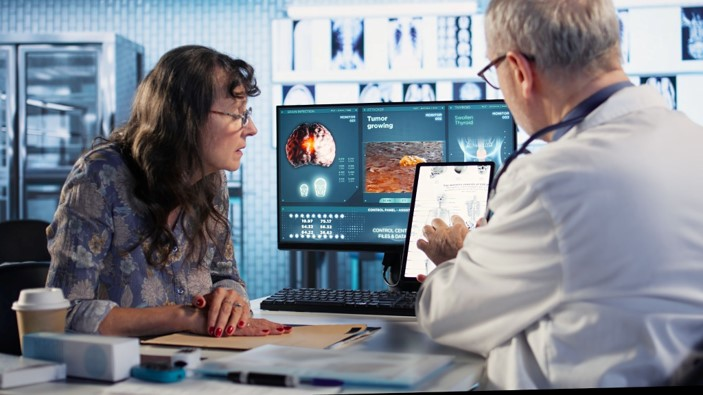
We’ve all experienced the panic: sitting in a new doctor’s waiting room, frantically digging through paper folders, old emails, or text messages trying to remember when you had your last tetanus shot, routine scan, or blood test.
Digital health portals and record apps keep your medical history—lab results, vaccine records, insurance documents, and physician notes—organized in one encrypted digital vault. Having this ready on your phone makes filling out clinic forms completely painless.
How to Choose the Right App (Without Losing Your Mind)
Before downloading a new app or buying a shiny gadget, run it through this quick sanity check:
- What specific problem am I trying to fix? If you can’t answer this in one plain sentence (e.g., “I want to remember to take my allergy pill every morning”), you don’t need the app.
- Is it easy to use right away? If an app has a hundred confusing sub-menus, crowded screens, and complex setups, you’ll stop using it within three days.
- What is its privacy policy? Your health information is deeply personal. Check what the app does with your data. Are they sharing your activity trends with third-party advertisers? Can you delete your account whenever you want?
- Is the free version enough? Always stick with the free tier for the first two weeks. If it naturally becomes part of your routine and genuinely helps you, only then consider paying for premium features.
Classic Pitfalls to Avoid

- Tracking Too Many Things at Once: Trying to log steps, calories, water, sleep, mood, heart rate, and caffeine all in week one will drive you crazy. Pick one simple habit to focus on first.
- Treating Consumer Data as Absolute Truth: Smartwatches and phone sensors are not hospital-grade medical instruments. If an app tells you that you had “poor sleep,” but you wake up feeling energetic, rested, and ready for the day—trust your body, not the screen score.
- Comparing Yourself to Others: Someone else’s 15,000 daily steps or perfect sleep score has zero relevance to your unique life, schedule, and health needs.
A Realistic, Low-Stress Daily Routine
Technology should serve your life—not take it over. Here is what a grounded, low-stress relationship with your health tech looks like in practice:
- Morning: Glance at your schedule, check your basic movement target for the day, and put your phone down.
- During the Day: Let your smartwatch give you a soft nudge if you’ve been glued to your desk chair for two hours straight. Use it as a friendly excuse to stretch or grab a glass of water.
- Evening: Spend 30 seconds logging your exercise or reviewing your basic movement for the day.
- Night: Put screens away 45 minutes before bed to let your mind wind down naturally without digital noise.
- Weekend: Look at your overall weekly trends rather than obsessing over one quiet Sunday spent relaxing on the couch.
FAQs
Q1: How accurate are popular smartwatches and health apps?
A: They are great for showing general patterns and daily trends, but they are not clinical medical devices. Use their readings as a general guide rather than exact medical facts.
Q2: Do I really need to buy expensive app subscriptions to get results?
A: Almost never. Free tiers usually offer basic step counting, habit logging, and simple reminders, which is more than enough for 90% of people.
Q3: How do I know if a health app is keeping my personal data private?
A: Look for clear privacy settings written in plain language. Legitimate apps explain how your data is protected and won’t ask for unnecessary permissions (like a simple step counter asking for access to your contacts or camera).
Q4: What should I do if tracking my stats starts giving me anxiety?
A: Turn off notifications or uninstall the app for a week. Health tech is meant to simplify your life—if checking the numbers makes you feel stressed or overwhelmed, step back and listen to your body instead.