
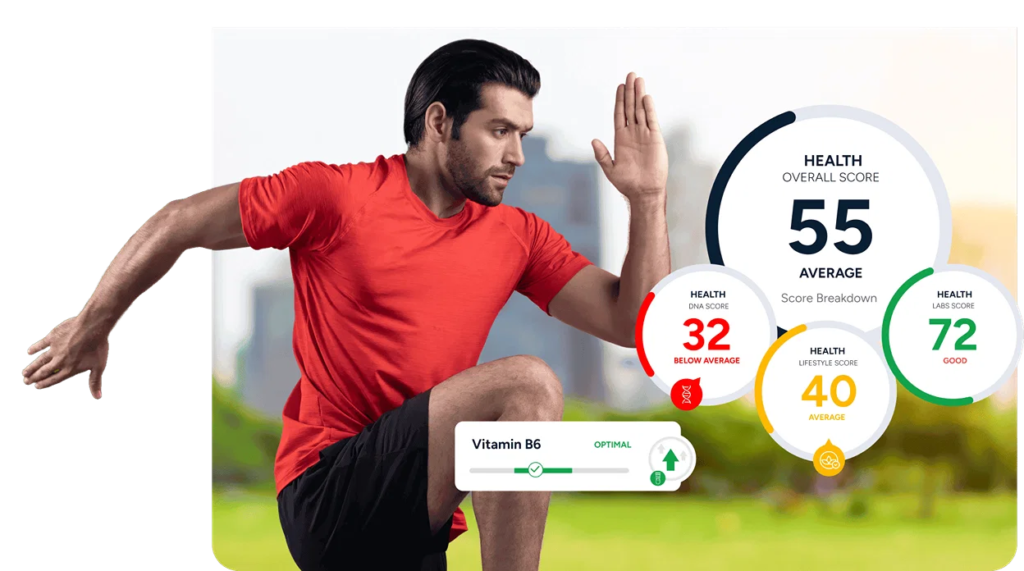

Maintaining good health requires consistent habits, physical activity, balanced nutrition, and proper attention to overall well-being. With the growth of digital technology, managing personal health has become more convenient. Online health tools allow people to track fitness activities, monitor daily habits, calculate nutritional requirements, and organize wellness routines from their smartphones or computers.
Whether someone wants to improve fitness, manage their weight, understand their calorie intake, or monitor daily activity, digital health tools can make the process easier. Many platforms provide simple dashboards, calculators, progress reports, and personalized insights that help users understand their lifestyle patterns.
In this guide, we explore some of the most useful online health tools, their features, and how they can support better health and fitness routines.
What Are Online Health Tools?
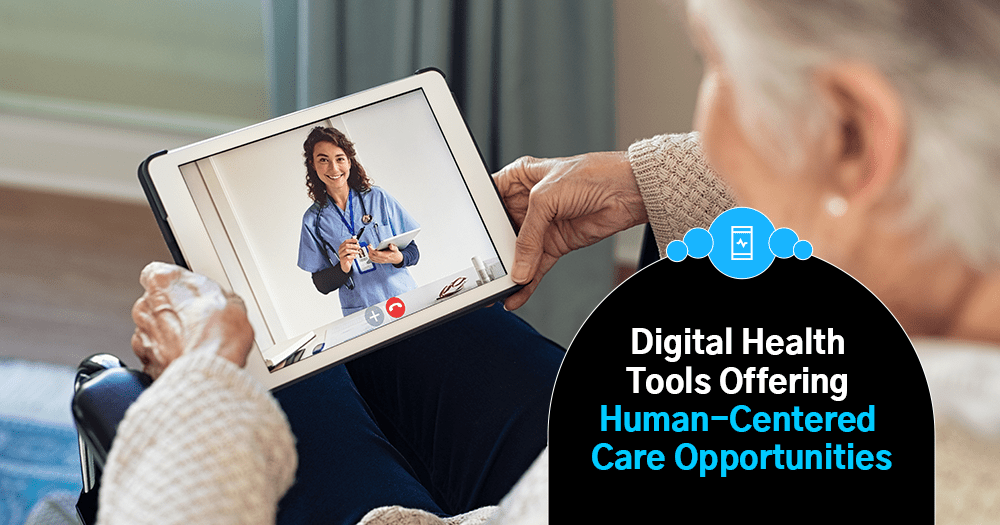
Online health tools are digital platforms, applications, and calculators designed to help people manage different aspects of their health and wellness. They can support activities such as fitness tracking, nutrition planning, sleep monitoring, and general health education.
Some tools work through mobile applications, while others are accessible directly through websites. Depending on the platform, users may be able to enter personal information, record daily activities, calculate health-related measurements, and review progress over time.
These tools are useful for building awareness about everyday habits. However, they should not replace professional medical advice, diagnosis, or treatment.
Best Types of Online Health Tools
1. Fitness Tracking Tools
Fitness tracking tools help users monitor their physical activities, including walking, running, cycling, and workouts. They can record steps, distance, exercise duration, and estimated calories burned.
Popular platforms such as Google Fit and Strava offer features for tracking different types of physical activity.
Key features:
- Daily step and activity tracking.
- Workout duration and distance records.
- Exercise progress monitoring.
- Activity history and performance reports.
These tools can encourage people to stay active and maintain consistent exercise routines.
2. Calorie Calculator Tools

Calorie calculators estimate how many calories a person may need daily based on information such as age, height, weight, sex, and activity level.
They can help users understand their approximate energy requirements and plan meals according to their personal goals.
Benefits of calorie calculators:
- Estimate daily calorie requirements.
- Understand energy needs.
- Support general nutrition planning.
- Monitor dietary goals.
Calorie estimates are not exact measurements. Individual needs can vary depending on health conditions, metabolism, and other factors.
3. BMI Calculator Tools
A Body Mass Index (BMI) calculator uses height and weight to calculate a numerical value that can be used as a general screening measure.
BMI is commonly used to understand weight categories in adults, but it does not directly measure body fat or overall health.
Common BMI categories for adults:
| BMI Range | Category |
|---|---|
| Below 18.5 | Underweight |
| 18.5–24.9 | Healthy weight |
| 25–29.9 | Overweight |
| 30 or above | Obesity |
BMI should be interpreted carefully because it does not account for muscle mass, body composition, or individual health differences.
4. Nutrition and Meal Planning Tools
Nutrition tools help users understand food choices, track meals, and organize eating habits. Some platforms provide food databases, nutritional information, recipe suggestions, and meal-planning features.
Apps such as MyFitnessPal and Cronometer help users record food intake and review nutritional information.
Useful features include:
- Food and calorie tracking.
- Nutrient information.
- Meal planning.
- Food diary management.
- Dietary progress tracking.
These tools can make it easier to understand eating patterns and develop balanced nutrition habits.
5. Sleep Tracking Tools

Sleep tracking tools help users observe their sleep schedules and understand their sleeping patterns. Depending on the device and platform, they may record sleep duration, bedtime, wake-up time, and estimated sleep stages.
Examples include Fitbit sleep tracking and Apple Health sleep features.
Benefits of sleep tracking tools:
- Monitor sleeping schedules.
- Review sleep duration.
- Identify irregular sleep patterns.
- Encourage consistent bedtime habits.
Sleep tracking estimates are not medical sleep assessments. Persistent sleep problems should be discussed with a healthcare professional.
6. Water Intake Tracking Tools
Water tracking applications help users record how much water they drink throughout the day. They may offer reminders and progress charts to encourage regular hydration.
Common features:
- Daily water intake records.
- Custom hydration goals.
- Drinking reminders.
- Weekly progress reports.
Hydration requirements differ according to activity, climate, diet, and health conditions. Users should follow professional advice when they have specific fluid restrictions.
7. Mental Wellness and Meditation Tools

Mental wellness platforms provide guided meditation, breathing exercises, relaxation activities, and mindfulness sessions.
Apps such as Headspace and Calm offer resources designed to support relaxation and everyday stress management.
Useful features:
- Guided meditation sessions.
- Breathing exercises.
- Relaxation activities.
- Mindfulness reminders.
- Sleep and relaxation audio.
These platforms can support general well-being but are not substitutes for mental health treatment.
Comparison of Popular Online Health Tools
Different platforms focus on different aspects of health and fitness. The following table highlights some popular options.
| Health Tool | Main Purpose | Useful Features |
|---|---|---|
| Google Fit | Fitness tracking | Activity and movement records |
| Strava | Exercise tracking | Running and cycling activities |
| MyFitnessPal | Nutrition tracking | Food diary and calorie records |
| Cronometer | Nutrition analysis | Nutrient tracking |
| Fitbit | Fitness and wellness | Activity and sleep tracking |
| Apple Health | Health information | Centralized health and activity data |
| Headspace | Mental wellness | Meditation and mindfulness |
| Calm | Relaxation | Meditation and sleep content |
Feature availability may depend on the device, subscription, location, and platform version.
How Online Health Tools Improve Daily Fitness
Online health tools can make healthy habits easier to organize and maintain. They provide information that helps users understand their activities and identify areas where they may want to improve.
Track Daily Progress
Fitness applications can record workouts, walking distances, and activity levels. Reviewing this information can help users understand their progress and maintain consistency.
Support Better Nutrition
Food tracking platforms help users review meals and understand nutritional information. This can encourage more thoughtful food choices.
Build Healthy Routines
Reminders for exercise, hydration, and sleep can help users develop regular daily habits.
Understand Lifestyle Patterns
Some platforms display weekly or monthly reports. These summaries can help users identify patterns in their activity, sleep, and nutrition.
Stay Motivated
Progress charts, activity goals, and achievement features can make fitness routines more engaging.
How to Choose the Right Health Tool

Not every health application offers the same features. The best option depends on individual goals and the type of information someone wants to monitor.
Consider these factors before selecting a platform:
- Identify your goal: Decide whether you want to track fitness, nutrition, sleep, hydration, or general wellness.
- Check the features: Choose a platform that provides the functions you actually need.
- Review usability: Look for a simple interface that is easy to understand.
- Check device compatibility: Make sure the tool works with your smartphone, smartwatch, or computer.
- Understand privacy settings: Review how the platform collects, stores, and shares personal information.
- Compare free and paid plans: Check whether essential features are available without a subscription.
Tips for Using Health Tools Effectively
Using digital health tools consistently can help you develop a better understanding of your daily routine.
- Set realistic fitness and wellness goals.
- Record activities regularly.
- Review progress instead of focusing only on daily numbers.
- Use reminders to maintain healthy habits.
- Avoid comparing your progress with other users.
- Check whether information comes from a reliable source.
- Protect personal health information through appropriate privacy settings.
It is also important to remember that digital measurements are estimates. Do not make major health or dietary decisions based only on an application’s calculations.
Common Mistakes to Avoid When Using Health Apps
Although health tools can be useful, using them incorrectly may create confusion or unrealistic expectations.
Depending entirely on app-generated results: Digital tools provide estimates and general information. They cannot replace professional medical assessments.
Setting unrealistic goals: Extremely demanding fitness or weight-related targets can be difficult to maintain. Start with manageable changes.
Ignoring data privacy: Avoid sharing sensitive health information without understanding the platform’s privacy policy.
Tracking too many things: Using multiple applications for every activity can become confusing. Focus on a few tools that support your main goals.
Ignoring professional guidance: If you have a medical condition or specific health concern, consult a qualified healthcare professional before changing your routine.
The Future of Digital Health and Fitness Tools
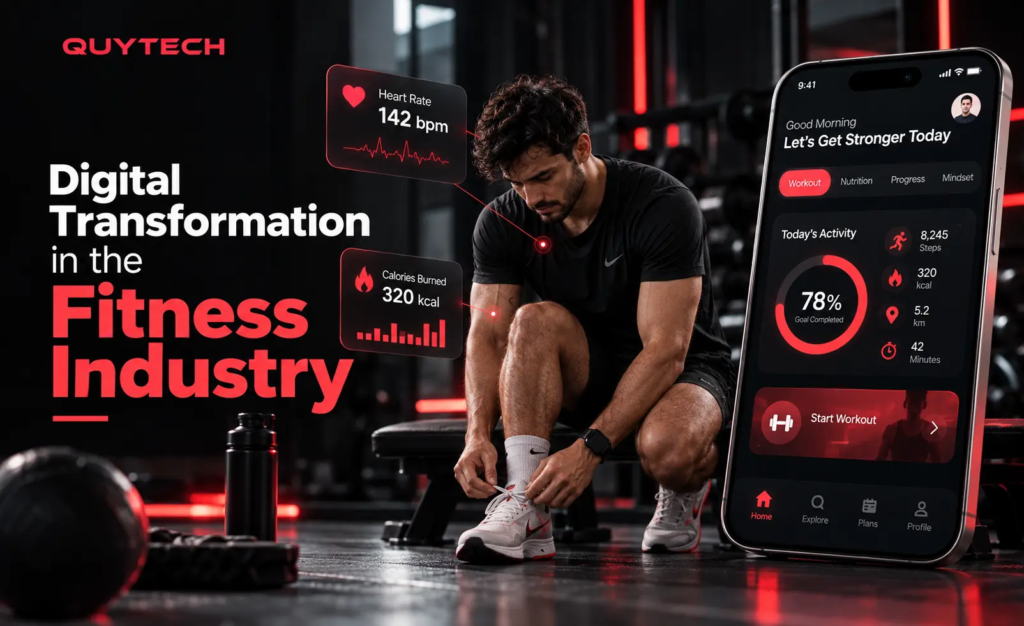
Digital health technology continues to develop, offering new ways to monitor everyday wellness. Artificial intelligence, wearable devices, connected health platforms, and personalized dashboards are making health information more accessible.
Future tools may offer improved activity insights, more personalized fitness suggestions, and better integration between health applications and wearable devices.
However, accuracy, privacy, accessibility, and responsible use will remain important considerations as digital health technology evolves.
Frequently Asked Questions
1. What are the best online health tools?
Popular online health tools include Google Fit, Strava, MyFitnessPal, Cronometer, Fitbit, and Apple Health. Each platform offers different features for fitness tracking, nutrition management, or general wellness.
2. Are online health tools free to use?
Many health and fitness platforms offer free versions with basic features. Some provide premium subscriptions for advanced tracking, personalized reports, or additional services.
3. Can health tools help improve fitness?
Yes. Fitness tools can help users record workouts, monitor physical activity, set goals, and review progress. Consistent exercise and healthy lifestyle habits are still essential.
4. Are online health calculators accurate?
Health calculators provide estimates based on the information entered. Results such as BMI and calorie requirements should be treated as general guidance, not a medical diagnosis.
5. Are online health tools safe to use?
Many established platforms offer privacy and security features, but users should review privacy policies, permissions, and data-sharing settings before entering personal health information.